Streamlining Your KDP Interior Design with the Inventory Logbook
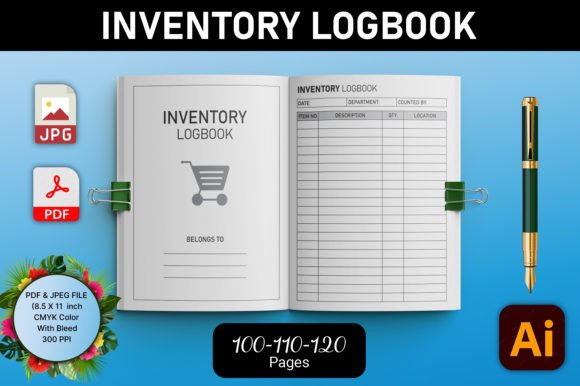
The Inventory Logbook for KDP Interior is a comprehensive tool designed to simplify and enhance the creation and management of your Kindle Direct Publishing (KDP) book interiors. Whether you are a seasoned publisher or just starting out, this logbook offers a structured and efficient way to manage your book's interior design, ensuring that it meets the high standards required for both digital and print formats.
Understanding the Inventory Logbook for KDP Interior
The Inventory Logbook for KDP Interior is a meticulously crafted resource that includes everything you need to create and upload professional book interiors. It is specifically tailored for low or no content books, making it an ideal choice for planners, journals, and other similar products. The logbook comes with a variety of features that make it a versatile and user-friendly solution for your publishing needs.
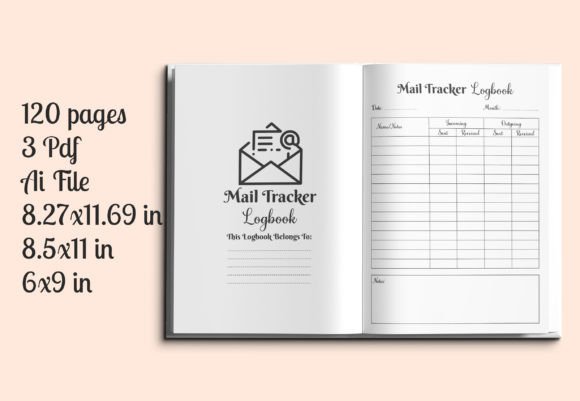
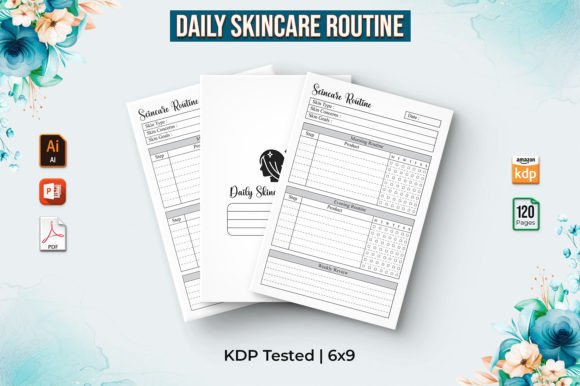
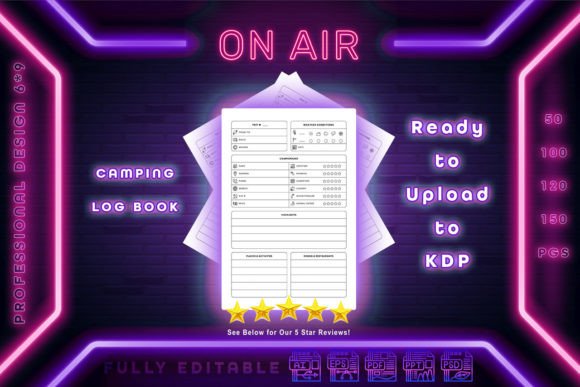
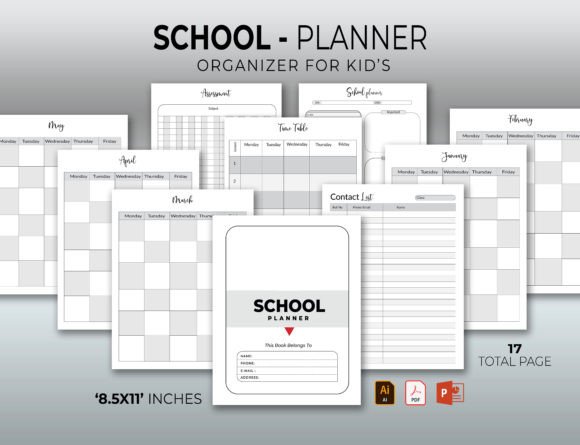
- KDP Interiors Ready for Upload: The logbook includes pre-designed interiors that are ready to be uploaded to KDP or sent for printing. These files have been tested on KDP, ensuring compatibility and quality.
- AI Files Editable: The included AI (Adobe Illustrator) files are fully editable, allowing you to customize the designs to match your specific requirements.
- Trim Size 8.5x11: The logbook is formatted for a standard 8.5x11 inch trim size, which is widely used and accepted in the publishing industry.
- Different Interiors (120-110-100 Pages): You have the option to choose from different page counts, including 120, 110, and 100 pages, depending on your project's needs.
- High-Resolution Interiors: All interiors are provided in high resolution, ensuring that your book looks sharp and professional.
- CMYK Color and 300ppi: The interiors are designed in CMYK color mode and at 300 pixels per inch (ppi), which is the standard for print quality.
- No Bleed Required: The designs are set up without bleed, simplifying the printing process and reducing the risk of errors.
Integrating the Inventory Logbook into Your Workflow
Integrating the Inventory Logbook for KDP Interior into your existing workflow can significantly streamline your publishing process. Here’s how you can use it effectively:
Pre-Project Planning
Before you start designing your book, the logbook can help you plan and organize your content. Use the logbook to outline the structure of your book, decide on the number of pages, and determine the layout. This upfront planning ensures that your final product is well-organized and meets your vision.
Design and Customization
During the design phase, the editable AI files in the logbook allow you to customize the interiors to fit your brand and style. You can adjust colors, fonts, and other design elements to create a unique and cohesive look. This flexibility is particularly useful if you are working on multiple projects or need to adapt the design for different audiences.
Quality Control and Testing
After designing your interiors, the logbook provides a reliable way to test and review your work. The high-resolution and CMYK color mode ensure that what you see on your screen will match the printed output. This is crucial for maintaining the quality of your book and avoiding costly reprints due to color or resolution issues.
Uploading and Printing
Once your interiors are finalized, the logbook makes it easy to upload them to KDP or send them for printing. The pre-tested files ensure that there are no compatibility issues, and the lack of bleed simplifies the printing process. This step is critical for ensuring that your book is published efficiently and without delays.
Practical Implementation Tips
To get the most out of the Inventory Logbook for KDP Interior, consider the following tips:
- Start with a Clear Plan: Before diving into the design, take the time to plan your book’s structure and content. This will help you make the most of the logbook’s features and ensure a smooth design process.
- Use the AI Files Creatively: The editable AI files offer a lot of creative freedom. Experiment with different design elements to find the perfect look for your book.
- Test Thoroughly: Always test your designs in the logbook before finalizing them. This helps catch any potential issues and ensures that your book looks professional and polished.
- Stay Consistent: Use the logbook to maintain consistency across all your projects. This not only enhances the professionalism of your books but also helps build a strong brand identity.
- Keep It Organized: Use the logbook to keep track of your design changes and versions. This organization will be invaluable as you scale your publishing efforts.
Conclusion
The Inventory Logbook for KDP Interior is a powerful tool for anyone involved in self-publishing. By providing a structured and efficient way to manage your book interiors, it helps you create high-quality, professional-looking books. Whether you are a seasoned publisher or just starting out, integrating this logbook into your workflow can save you time, reduce errors, and ultimately lead to more successful publishing outcomes.